 dxf-downloads.de Kostenlose DXF- und DWG-Dateien für CNC, Laser, Plasma & Wasserstrahl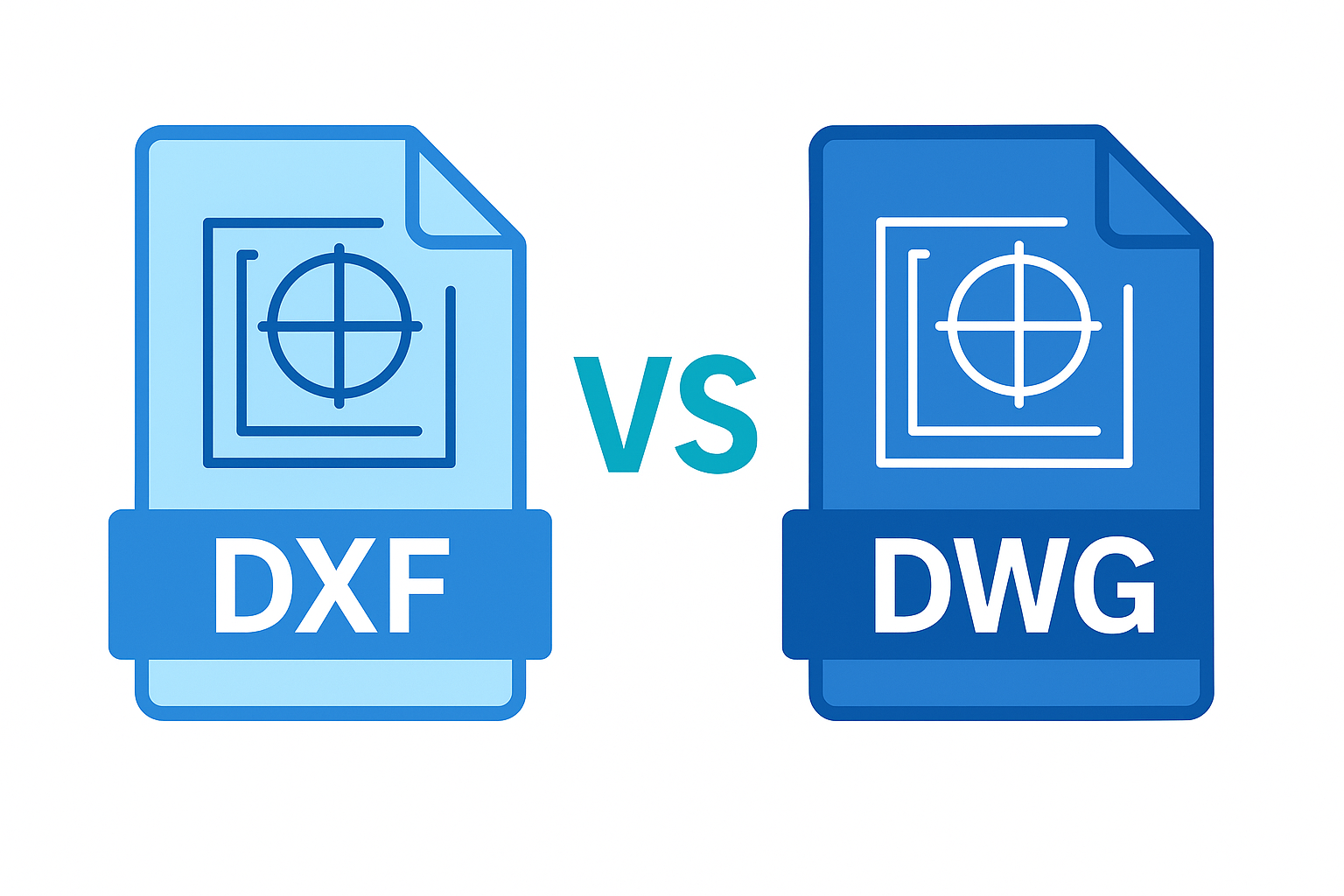
DXF & DWG: What They Are and Why They Matter
In this guide, you’ll learn — in a clear and beginner-friendly way — how the CAD formats
DXF and DWG differ, and why they play a central role in the world of
CNC,
laser cutting files
and technical drawing.
📁 What Is DXF?
DXF (Drawing Interchange Format) was developed by Autodesk in 1982.
It is an open exchange format that allows data transfer between different CAD systems.
- DXF files are based on a readable ASCII text format.
- The units (mm, inch) are not stored and must be set manually during import.
- Compatible with almost all CAD, CNC and design programs — ideal for file exchange.
🔐 What Is DWG?
DWG is Autodesk’s proprietary binary format and the standard file type of AutoCAD.
It stores all CAD information — from layers to 3D geometry — in a compact binary structure.
- Smaller file size than DXF due to binary encoding.
- Supports layers, blocks, colors, text, 3D models and dimension data.
- Mainly used by AutoCAD and compatible CAD programs.
⚖️ DXF vs. DWG Comparison
| Aspect | DXF | DWG |
|---|---|---|
| Type | ASCII or binary (open documentation) | Binary (proprietary) |
| Compatibility | Very high — supported by many programs | Mainly AutoCAD & compatible tools |
| File size | Larger | More compact |
| Features | Simpler — possible loss of info | Full detail with layers, blocks, 3D |
| Use case | Exchange & cross-platform | Complex CAD editing |
🧩 When Should I Use Which Format?
When sharing drawings across programs or if you don’t use AutoCAD, DXF is your best choice.
For large, detailed CAD projects with layers and 3D structures, DWG is the better option.
⚠️ Common DXF Pitfalls
- Missing units: Dimensions must be set manually during import.
- Formatting issues: Fonts, hatches or colors may not transfer correctly.
- Compatibility: Some programs (e.g., older Inkscape versions) only read older DXF standards reliably.
💡 Practical Tip
For CNC, laser cutting or engraving workflows, DXF is often the best option because of its reliable compatibility.
If you work with detailed layer data or 3D models, stick with DWG — and export a DXF copy when needed.
🛠️ AutoCAD & Alternatives
AutoCAD is the industry standard for professional CAD work and supports both file formats — DXF and DWG — natively.
If you’re looking for free alternatives, check out
Inkscape or
CorelDRAW workflows
to create or edit DXF files efficiently.
📘 Conclusion
DXF stands for openness and compatibility — perfect for cross-platform exchange.
DWG stands for precision and detail — ideal for advanced CAD modeling.
Both formats complement each other — choose the one that fits your workflow best.
Explore over 2,300 DXF downloads and become a Premium User for unlimited access.